



BDMbet App
Players can open the casino from phones and tablets without staying tied to a computer. With the BDMbet App, the mobile version keeps the main sections close: games, payments, balance and account settings. This works well for short sessions. Players can check the account, pay, or continue a game from a smaller screen without losing access to the usual tools. With the mobile version, users can quickly access the casino whenever they need it.



BDMbet Mobile Casino
The website opens on modern phones and tablets, and players can sign in with the same account they use on the full site. This keeps mobile play simple, because there is no need to create a second profile or learn a different system.
The smaller-screen version is useful for quick actions during the day. A player can open a check on an active promotion or contact support from the same device. A stable internet connection is important because live games, payments, and account actions need the site to stay connected during the session. The table below shows how the BDMbet App keeps the main casino and sports features available from a mobile device:
| App Feature | Purpose + Benefits |
| Mobile Casino Lobby | The platform gives access to 5,000+ games, including slots, live titles, quick games, and other casino formats. This is useful for players who want to continue a session from a smaller screen. |
| Casino and Sports Access | Mobile users can move between gaming and betting areas with the same account, which makes the platform more flexible. |
| Account Tools | After login, you can use the main account features from mobile as well. This helps them check their balance, open promotions, use payment options, and manage profile actions during a session. |
| Secure Access | Account details and payment pages are secured with TLS encryption. The same protection applies when you open BDMbet Casino from mobile. |
| Touch-Friendly Use | BDM Bet is easier to use on mobile when the buttons, menus, and account pages fit the smaller screen. |
Mobile Application for Android
To use BDM Bet on Android, open the casino website in your mobile browser and log in with your account details. The browser version loads the same player profile, so the system keeps your balance, active sections, and casino access connected without a separate registration. For faster access, add our casino to the Android home screen:
- Open BDMbet in your mobile browser.
- Log in to your account if needed.
- Open the browser menu.
- Choose the option to add the site to the home screen.
- Confirm the shortcut.
After that, the shortcut works like a quick launch button: tap the icon, open the site, log in if needed, and continue the session. During a session, you can check the balance, open promotions, use payments, or update profile details from the same mobile account area.
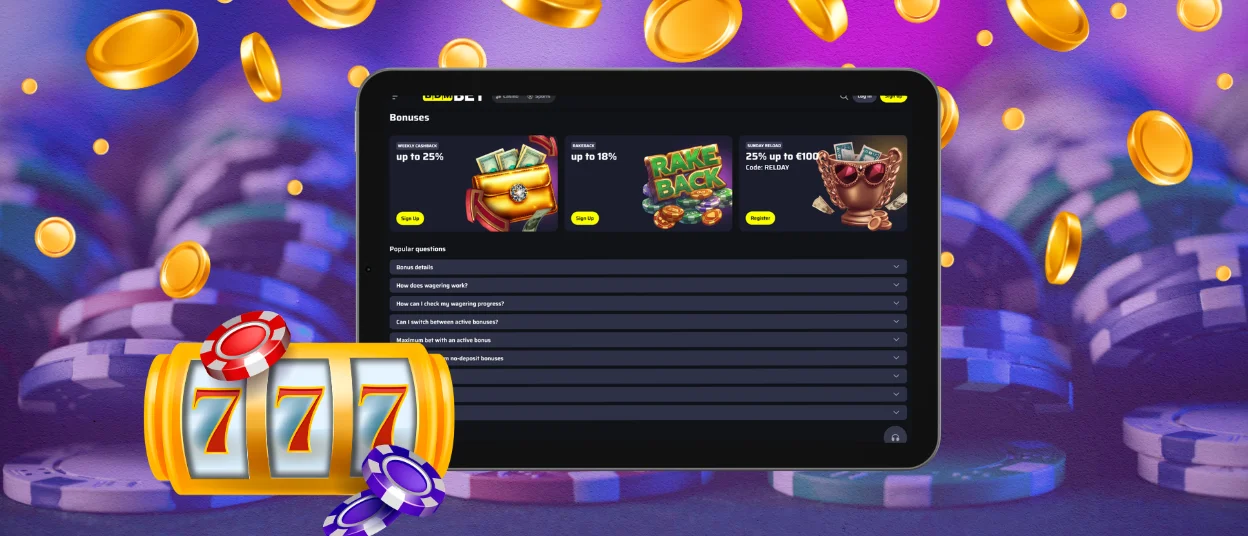
BDM Bet App for iOS
BDMbet Casino on iOS works through Safari, so iPhone and iPad users can open the casino without a separate download. Enter the website in the browser, sign in with your account details, and the mobile version will load your player profile for casino access, promotions, payments, and support. You can also turn the website into a quick-access icon. Open BDMbet in Safari, tap Share, select Add to Home Screen, and save the shortcut. Next time, you can tap the icon on your iPhone or iPad and open the casino faster.
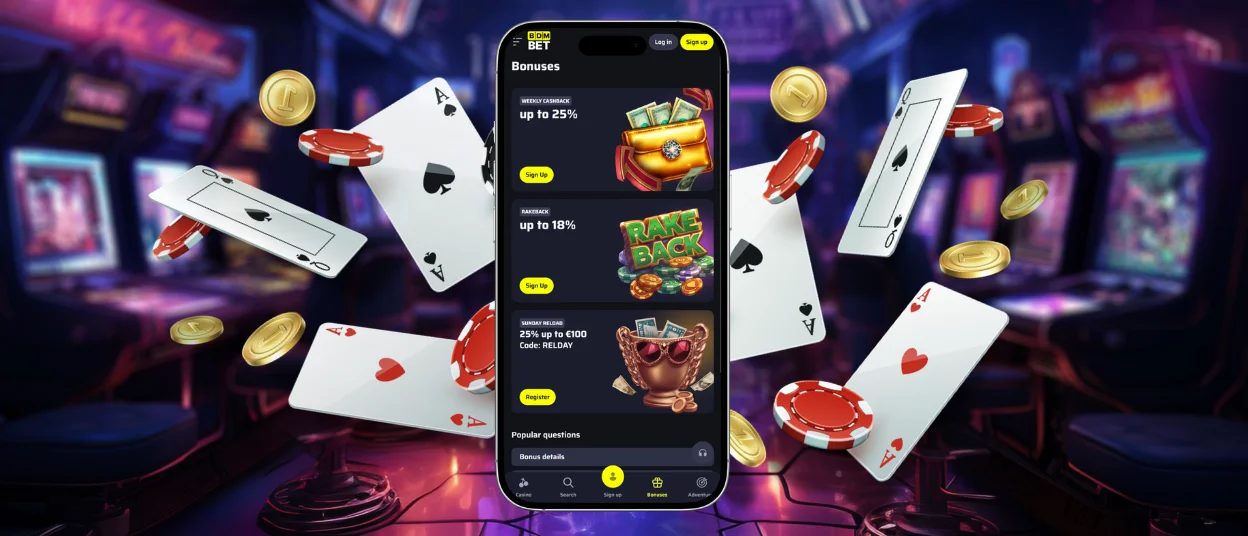
BDMbet Application for Windows and macOS
Users who prefer a larger screen can play directly from a browser on Windows or macOS. Open the official website, sign in or create an account, and the casino lobby will load without a separate desktop BDMbet app. This format is useful when you want a wider view for live games, easier navigation through the game catalog, or more comfortable access to account tools. For faster entry, you can create a desktop shortcut in your browser:
- Open BDMbet in Google Chrome.
- Click the three-dot menu in the browser.
- Choose the shortcut option.
- Confirm the action.
After that, the shortcut will appear on your desktop, so you can open BDMbet faster from your PC or Mac.
BDMbet Access on Different Devices
BDM Bet gives players flexible access from phones, tablets, laptops, and desktop computers, so the casino can fit different playing habits without changing the account. The table below shows how each platform works and what benefit it gives to the user:
| Platform | Installation Method | Storage Impact | Update Process | Key Advantage |
| iOS (iPhone/iPad) | Open through Safari; optional home screen shortcut | Minimal, because the casino runs through the browser | Updates appear on the website side | Quick access from iPhone or iPad without a separate desktop device |
| Android | Open through Chrome or another modern mobile browser; optional home screen shortcut | Minimal, because access does not require a large installed BDMbet app file | Updates appear automatically when the site is opened | Easy mobile access with the same account |
| Windows | Browser-based access | No casino app installation required | Website updates load in the browser | Comfortable big-screen play and full lobby access from a PC |
| macOS | Browser-based access through Safari, Chrome, or another browser | No separate casino app installation required | Website updates load in the browser | Smooth access from Mac with a larger screen for games and account tools |
Device Compatibility
Before opening BDMbet Casino on any device, use an updated browser and a stable internet connection. This helps the casino lobby load correctly, keeps live games connected during the round, and prevents payment or account actions from stopping halfway.
Device access also depends on the player’s location. Casino is available only where online gambling is allowed. Before signing up or playing for real money, check whether BDMbet is allowed in your country.
FAQ
Do I need to download BDMbet from an app store?
No, players can open BDMbet through a browser on mobile or desktop devices. This is useful because the casino can be accessed without searching for a separate app store download. If a player wants faster entry, a browser shortcut can be saved on the home screen or desktop.
Can I use BDMbet on a shared or public device?
Yes, but we recommend not saving your password on any public software or networks. Log out when you finish, and activate 2FA in the profile if you want an extra login step.
What if BDMbet does not open properly on mobile?
Reload the page first. If it still does not work, try another browser or clear the cache. For login, payment, or game problems, support is available by live chat or email.


